
The Visionary AI Labs learning library
Watch. Try. Build.
Turn a video into something you can use. Explore practical AI tutorials, original 3D project breakdowns, and reusable resources.
Start with better AI promptsDownload beginner prompt PDFAll free PDFs & templates ↓Follow the six AI lessons in order below, then explore the 3D guides. Meet Visionary AI Labs or watch the full AI Tutorials playlist. Each guide includes a video, worked example and a practical next step.
Tutorials & companion guides
Lesson 1 · Better prompts
Write Better AI Prompts
Write a clearer brief, review the result, and reuse a four-part prompt template. Includes a free beginner PDF, a worked email example and a five-minute exercise.
Read the companion guide →
Lesson 2 · Check AI answers
How to Check AI Answers
Catch wrong dates, unsupported details, and calculation errors. Includes a worked example, PDF prompt templates, and a fillable verification worksheet.
Read the guide and get the PDFs →
Lesson 3 · Notes to actions
Turn Notes into an Action Plan
Separate tasks, proposals, and open questions. Build a checked action table with source quotes, then use the free PDF prompt pack and fillable worksheet.
Read the guide and get the PDFs →
Lesson 4 · Accurate summaries
Summarize Documents Without Losing the Facts
Preserve dates, numbers and caveats. Follow the source-to-evidence workflow, then use the free PDF prompt pack and fillable review worksheet.
Read the guide and get the PDFs →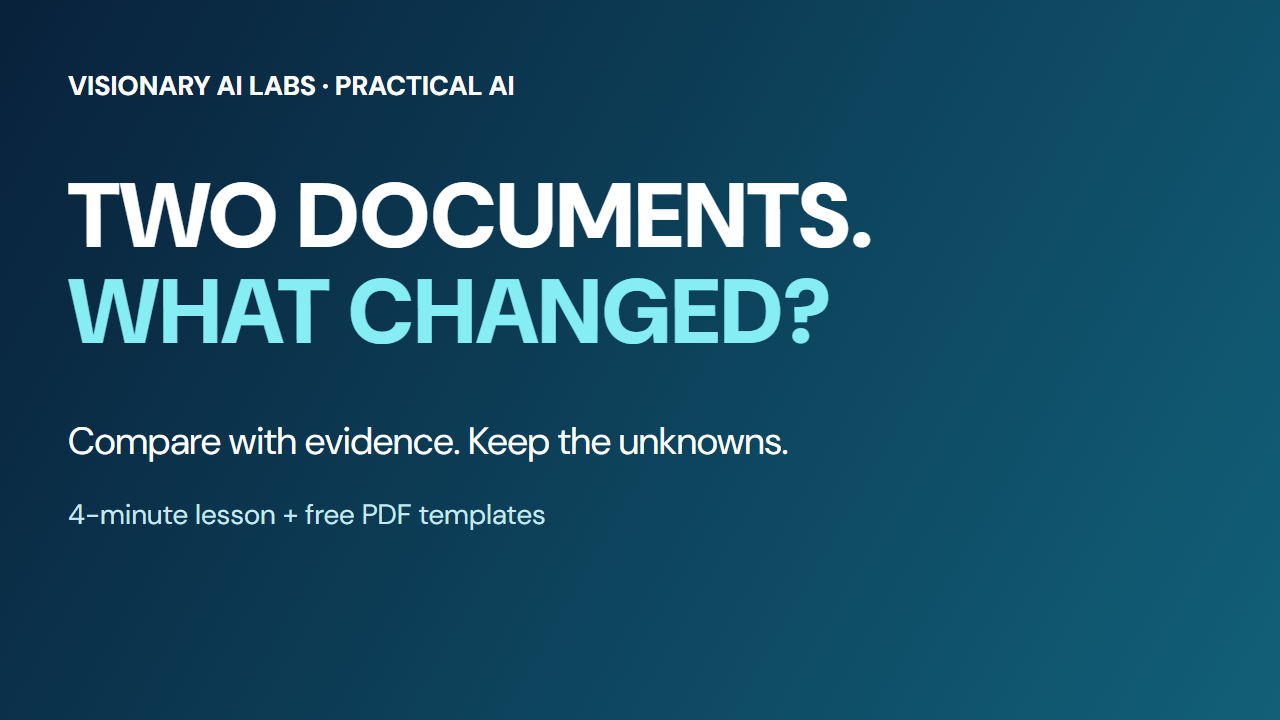
Lesson 5 · Compare documents
Compare Two Documents with AI
Find real changes without inventing decisions. Use the worked example, free prompt pack and fillable evidence worksheet.
Watch the lesson and get the PDFs →Lesson 6 · Email replies
Write an Email Reply with AI
Draft a useful reply, check facts and commitments, and keep unknowns visible. Includes free prompt templates and a fillable checklist.
Watch the lesson and get the PDFs →3D project · Fusion + Omniverse
Inside a Digital Fighter Jet Factory
Watch the 4:42 cinematic cut, follow the chapter-by-chapter viewing guide, and plan your own short sequence with the free fillable shot worksheet.
Read the film guide + get the PDF
3D project · Omniverse
Astra Observatory
Explore an original garden above the clouds: procedural geometry, a six-camera journey, lighting decisions, and a planning exercise.
Read the companion guide →
3D project · Omniverse
Raptor Flight
See how an existing animated aviation scene becomes a focused cinematic through shot selection, timing, framing, and review.
Read the companion guide →
Start here · Channel guide
Welcome to Visionary AI Labs
Meet Visionary AI Labs and choose a learning path: practical AI workflows or original 3D experiments.
Read the companion guide →Keep these for your next project
Free resources
Practical PDF templates, fillable worksheets, and editable text files. No account or email address required.
Beginner AI prompt template
Task, context, constraints, output format, and a review checklist. Includes the beginner workshop email example from our tutorial.
Download prompt template (PDF)Download prompt template (.txt)Email-reply prompt templates
Use the prompts and fictional example to draft and check a reply.
Download email prompts (PDF)Fillable email review checklist
Record confirmed facts, unknowns and commitments before sending.
Download email checklist (PDF)Document-comparison prompt pack
Three prompts, two fictional source drafts and reviewed findings. Keep real changes separate from missing information.
Download comparison prompts (PDF)Fillable comparison worksheet
Record both versions, exact evidence, classifications, unresolved questions and a coverage check.
Download comparison worksheet (PDF)Digital factory shot-planning worksheet
Plan a visual brief, camera, timing, continuity and final review. Two fillable pages for your own 3D film.
Download factory shot worksheet (PDF)Reliable AI summary prompt pack
Three reusable prompts and the Project Cedar worked example. Keep findings, proposals and risks distinct.
Download summary prompts (PDF)Fillable summary-review worksheet
Record three summary bullets with source evidence, then check numbers, dates, scope and uncertainty before sharing.
Download summary worksheet (PDF)Notes-to-action-plan prompt pack
Three reusable prompts to extract tasks, audit the table, and draft a follow-up. Includes the fictional worked example.
Download action-plan prompts (PDF)Fillable action-plan worksheet
Record tasks, owners, deadlines, dependencies, source quotes, and questions. Keep proposals separate and review the draft before sharing.
Download action-plan worksheet (PDF)AI verification prompt templates
Three reusable prompts for defining source boundaries, checking claims, and rewriting from verified facts. Includes the worked workshop example.
Download prompt pack (PDF)Fillable verification worksheet
Record evidence for three claims, recalculate numbers, review sources, and save a corrected answer. Type into the PDF or print it.
Download fillable worksheet (PDF)3D shot-planning worksheet
Plan the purpose, camera, source animation, timing, and audio for each shot. Includes preview and final-export checklists.
Download shot worksheet (.txt)A small project is a good place to start
Try one clearer prompt or one short 3D sequence. Compare the result, record what changed, and keep the parts that work.
Watch more on YouTube · Follow @Ukhan1243 on X · Discuss an AI project